
How to split a PDF file (every method explained)
Whether you are separating a single signed signature page from a 40-page mortgage contract, extracting specific chapters from an academic textbook, or preparing files under email attachment limits, this guide breaks down every practical method. You can try the free PDF splitter directly in your browser without installing anything.
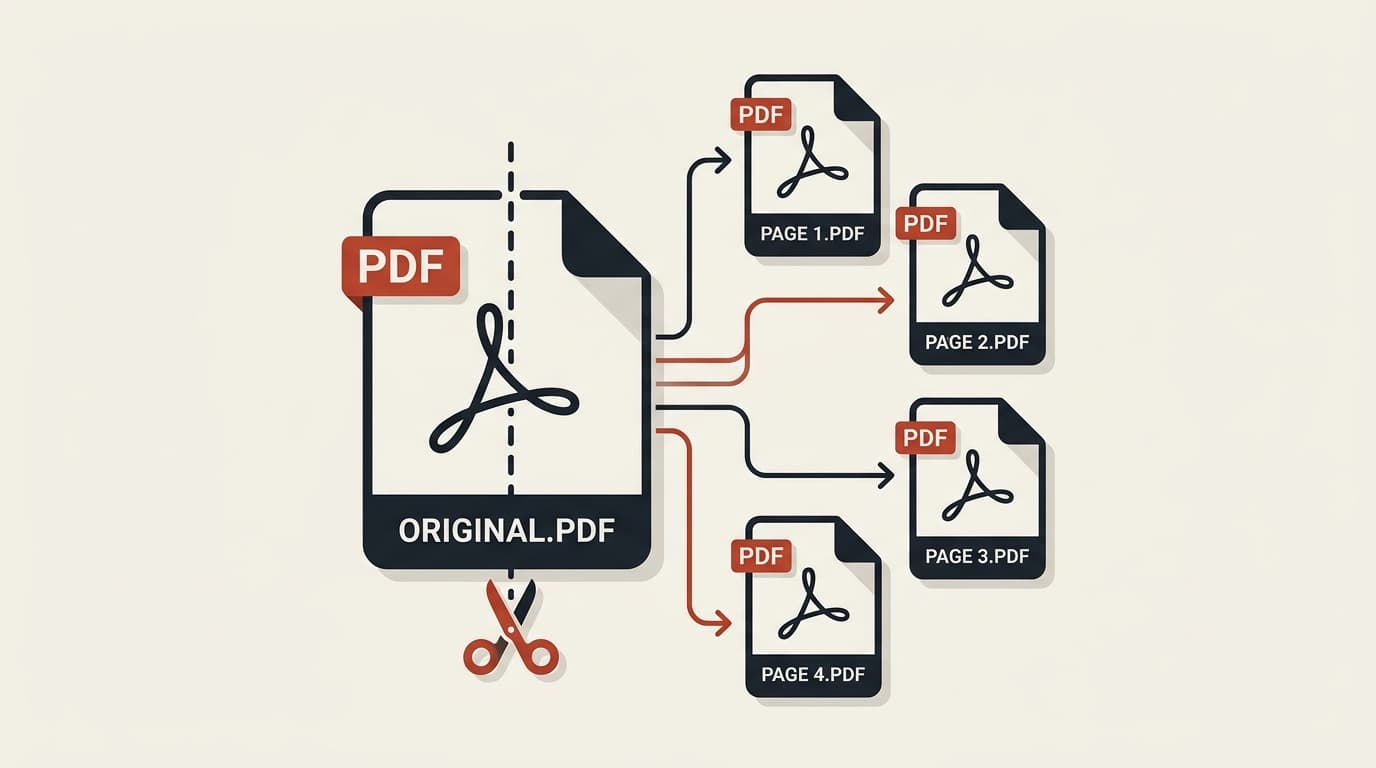
Splitting by page range
Splitting by page intervals is the most common requirement. Instead of carving up an entire document into hundreds of detached single files, you define specific groups of pages to harvest together.
For example, in a three-part commercial lease, you may want to extract pages 1 through 5 as the primary agreement, and pages 24 through 28 as the technical maintenance schedules. Using modern web tools, you can simply type 1–5, 24–28 into the tool.
To execute this right now, jump directly to split by page range and pick your exact intervals.
Splitting every page into its own file
When working with high-volume scanning batches — such as onboarding forms, identity card photocopies, or student exam sheets — all pages frequently arrive bundled in a single monolithic document.
Separating them manually by entering each page number would take hours. An automated page cutter parses the document index and yields a series of numbered files: document-page-1.pdf, document-page-2.pdf, and so forth.
These are then compressed into a unified ZIP file so you don't have to approve dozens of separate download alerts in your operating system. Try the all-pages splitter tool to test this in action.
Splitting without installing software
For decades, desktop software suites like Adobe Acrobat Pro were considered mandatory for basic document manipulation. However, these programs carry hefty recurring monthly subscriptions, heavy installation disk footprints, and complex license managers.
Fortunately, you can easily do it without installing Adobe Acrobat. Thanks to WebAssembly and client-side JavaScript PDF parsing libraries, your web browser possesses all the mathematical horsepower required to parse object reference trees, copy page indices, and write out new binary documents locally.
Splitting on mobile
Mobile operating systems (iOS and Android) often struggle with PDF editing. Default mobile viewers like Apple Files or Google Drive allow viewing and basic markup, but lack intuitive page extraction tools.
By accessing pdfsplitter.in through Mobile Safari or Chrome on Android, you tap into the same zero-upload WebAssembly engine. You can tap pages directly on your touch screen and download the split parts directly into your device's Downloads folder.
Written by the pdfsplitter.in Security & Engineering Team
Specialists in client-side WebAssembly cryptography, browser document sandboxing, and zero-trust web architectures.
Frequently asked questions
Related Guides & Tutorials
How to Split PDFs Without Adobe Acrobat
Free desktop and in-browser methods to split pages without recurring software subscriptions.
How to Split a Scanned PDF Document
Manage high-resolution scanned paperwork, remove duplex blank sheets, and keep bitmap quality sharp.
Ready to split your PDF now?
100% free, private, and runs directly in your browser with zero uploads.